
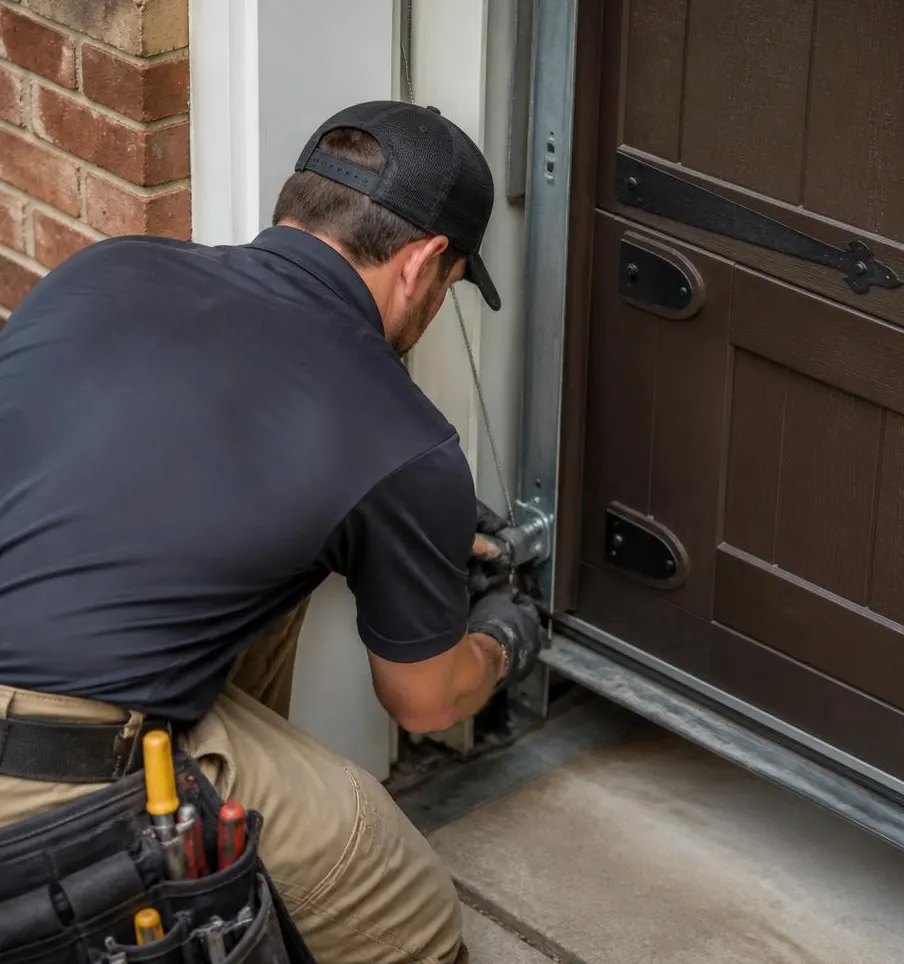
What a Technician Sees on This Call
The call usually starts the same way: the remote has worked fine for months, and then one morning it just doesn't. The homeowner walks over to the wall button, presses it, and nothing happens either—no hum, no light, no click from the motor. Or sometimes there's a faint buzz from the opener unit but the door doesn't budge. Other times only one input fails: the remote is dead but the wall button still opens the door, or vice versa. By the time a technician gets out to a house in Oakland Park or Fort Lauderdale, it's often after a round of storms or a stretch of especially humid days, which is a clue in itself.
Common Symptoms, In Order of How Often They Show Up
- Total silence—no light, no motor sound, nothing from either the remote or the wall button.
- Motor hums but the door doesn't move—power is reaching the unit, but something downstream isn't working.
- One input works, the other doesn't—remote dead, wall button fine, or the reverse.
- Intermittent response—works from six feet away but not from the driveway, or works some days and not others.
- Light blinks a set number of times—newer openers flash an error code instead of moving the door.
Causes, Checked in the Order a Technician Would Check Them
1. Power to the Unit
Before touching anything electronic, a technician checks whether the opener is actually getting power. Garage outlets are frequently on GFCI circuits, and afternoon downpours or a nearby lightning strike during hurricane season can trip that outlet without anyone noticing. The fix here is as simple as resetting the GFCI or breaker, though if it trips repeatedly, that points to a deeper wiring issue worth having checked.
2. Batteries and Wiring at the Remote or Wall Station
Dead remote batteries are the most common reason for a non-responsive clicker, but in this climate corrosion is almost as common—humidity and salt air work their way into battery contacts and remote circuit boards over time, especially in homes closer to the coast. For wall buttons, the low-voltage wire running to the opener can fray, get nicked during other garage work, or corrode at the connection terminals. Fixing this means swapping batteries first, then inspecting and reseating or replacing the wall button wiring if the remote test doesn't solve it.
3. The Antenna on the Opener Unit
The small antenna hanging from the motor unit picks up the remote's signal, and it's easy to overlook. Dust, spider webs, or a bent/tucked antenna can weaken reception enough that the remote only works up close or not at all. A technician will straighten the antenna and make sure it's hanging freely, which sometimes resolves intermittent response issues on its own.
4. Safety Sensor Alignment
If the motor hums but the door won't move, misaligned safety sensors (the small eyes near the bottom of the tracks) are usually the culprit. These sensors are sensitive to being bumped, and in this area they also drift out of alignment as humidity causes wood door frames and jambs to swell or shift slightly. Direct sun hitting one sensor at a certain time of day can also block the signal. The fix involves realigning both sensors so their indicator lights are solid rather than blinking, and clearing any dust or spider webs off the lenses.
5. The Logic Board or Receiver
If power, batteries, antenna, and sensors all check out, the next suspect is the opener's internal receiver or logic board. These components are vulnerable to power surges from lightning strikes during storm season, and over time, moisture and salt air can corrode internal contacts even inside a closed housing. Symptoms here include total unresponsiveness despite good power, or an opener that only works after being unplugged and plugged back in. Depending on age and damage, the fix is either reprogramming the receiver or replacing the opener's control board.
6. Radio Frequency Interference
Less common but worth ruling out: other wireless devices on the same frequency, new LED string lights, or a portable generator running nearby (common during outages) can interfere with the remote signal. This usually shows up as intermittent failures rather than total silence, and the fix is either reprogramming the remote to a different code or relocating the interfering device.
When to Call Oakland Park Garage Door Service
If you've swapped batteries, reset the GFCI, and checked the sensors but the opener still won't respond, it's time to call in a technician rather than keep guessing. This is especially true after a lightning-heavy storm, since surge damage to a logic board isn't something you can diagnose by eye. We handle this as part of our Garage Door Opener Installation service when a unit needs full replacement, and we also catch early signs of sensor drift, wiring corrosion, and antenna wear during a Preventive Maintenance visit—before they turn into a dead opener on a Saturday morning. Given how much salt air and humidity affect these components here, a yearly maintenance check is cheap insurance against this exact problem.
If your garage door opener in Oakland Park, FL is ignoring the remote or the wall button, call Oakland Park Garage Door Service and we'll get it diagnosed and working the same day.